xproc-framework-for-oxygen
oXygen XML Editor framework for XProc 3.x users
Add-on for oXygen XML Editor with tools for editing and applying XProc 3.x pipelines.
Prerequisites
- Saxon-HE 12.7 (or later version)
- MorganaXProc-IIIse 1.6.7 (or later version)
Setting up the environment
- Extract content of the MorganaXProc-IIIse-1.6.7.zip
- Extract content of the SaxonHE12-7J.zip file
- copy extracted
saxon-he-12.7.jarandsaxon-he-xqj-12.7.jarfiles to theMorganaXProc-IIIse_libfolder
- copy extracted
- On your operating system, set environment
PATHvariable to point to the location of theMorganaXProc-IIIsefolder - for example on Windows:
- (run command line as usual user):
setx PATH "%PATH%;C:\Programs\MorganaXProc-IIIse" - (run command line as administrator):
setx /m PATH "%PATH%;C:\Programs\MorganaXProc-IIIse"- switch
/m: Specifies to set the variable in the system environment. The default setting is the local environment.
- switch
- (run command line as usual user):
Features
- framework is associated only with files from
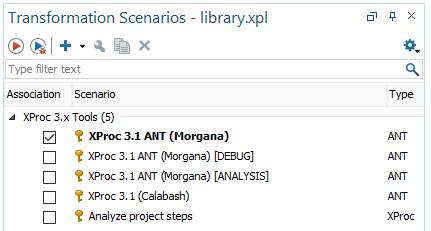
http://www.w3.org/ns/xprocnamespace withdeclare-steporlibraryroot element and@versionattribute with value3.0or3.1 - transformation scenarios
- schema validation
Installation
The framework can be installed from this repository.
The installation process of the framework is described in the documentation of the oXygen XML editor.
You can also follow these steps:
- Add URL of this repository to the list of
Update Site Add-ons(Options>Prefences>Add-ons).
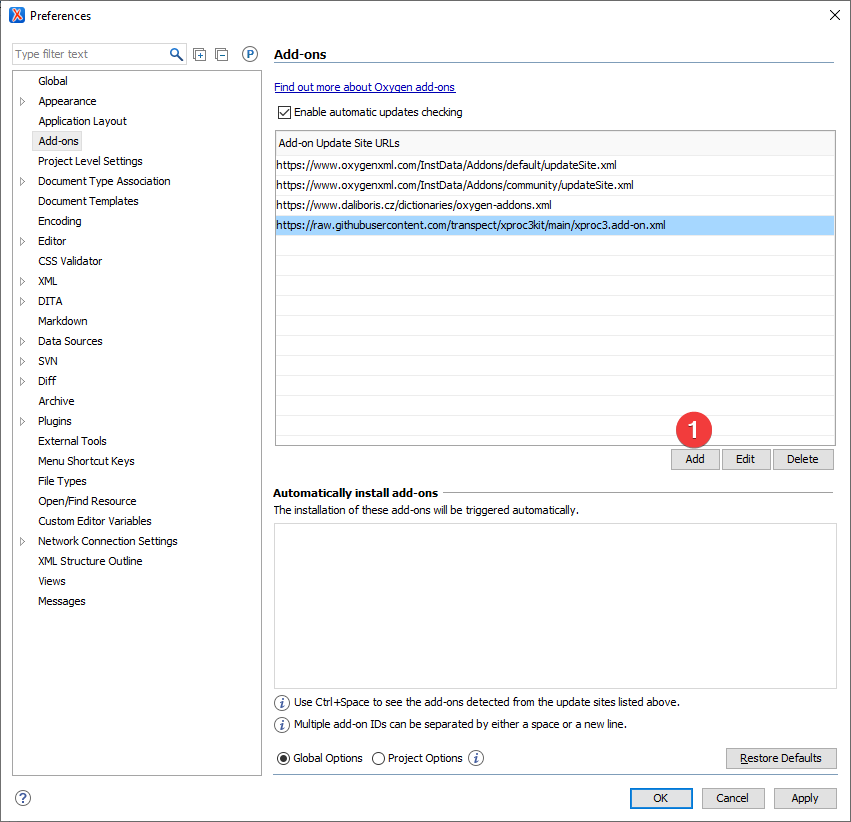
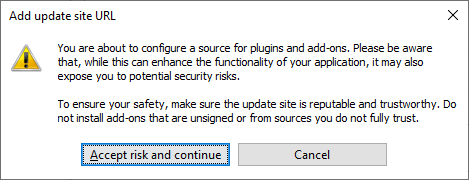
- Click on
Addbutton and accept risk warnings.
- Add following URL to the box:
https://daliboris.github.io/xproc-framework-for-oxygen/oxygen-addons.xml.
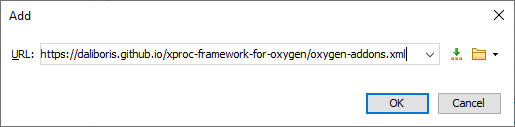
- Click on the
OKbutton and URL for this framework should appear in the list.
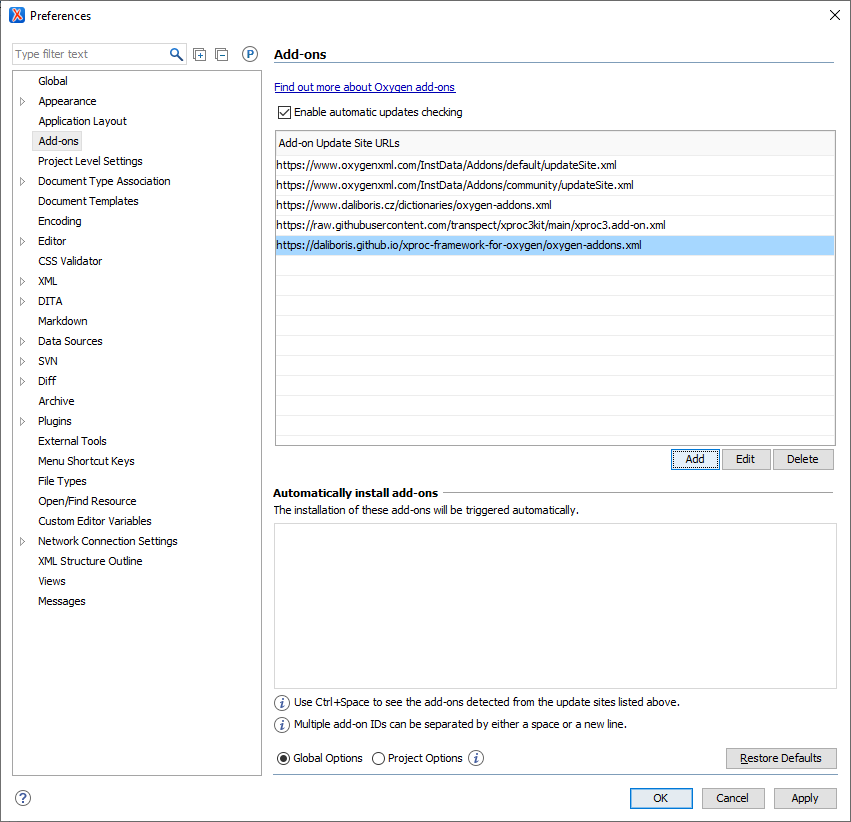
- Install the framework from the help menu:
Help>Install new add-ons.
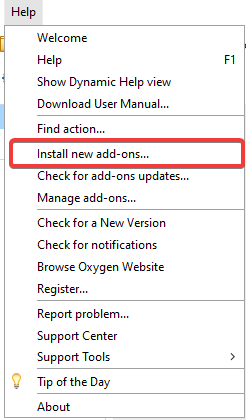
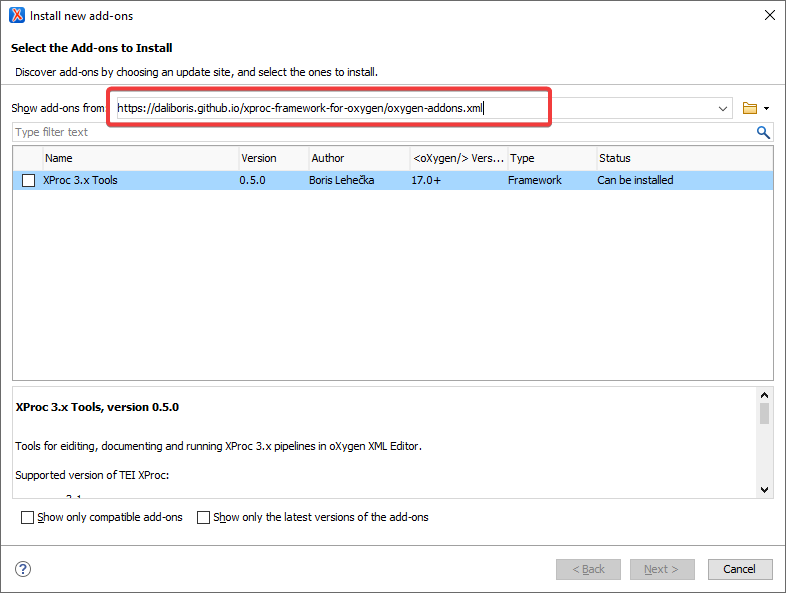
- From the combo box for
Show add-ons fromselect URL you entered in previous steps (https://daliboris.github.io/xproc-framework-for-oxygen/oxygen-addons.xml).
- In the warning dialog box (ZIP file
https://daliboris.github.io/xproc-framework-for-oxygen/xproc-framework-for-oxygen.zipis downloaded), click onAllow.
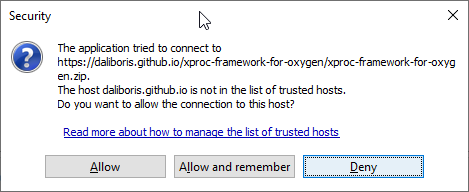
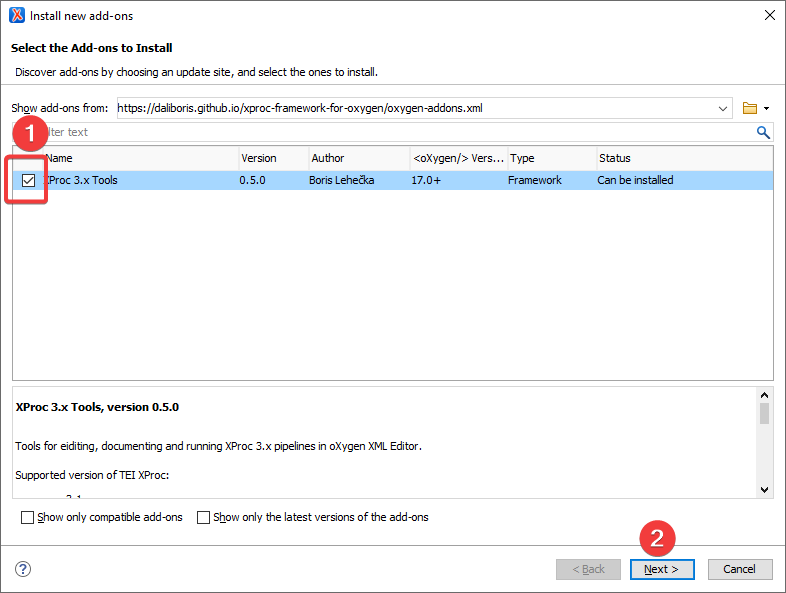
- In the next step you can select the
XProc 3.x Toolsto be installed. Check the box an click on theInstall.
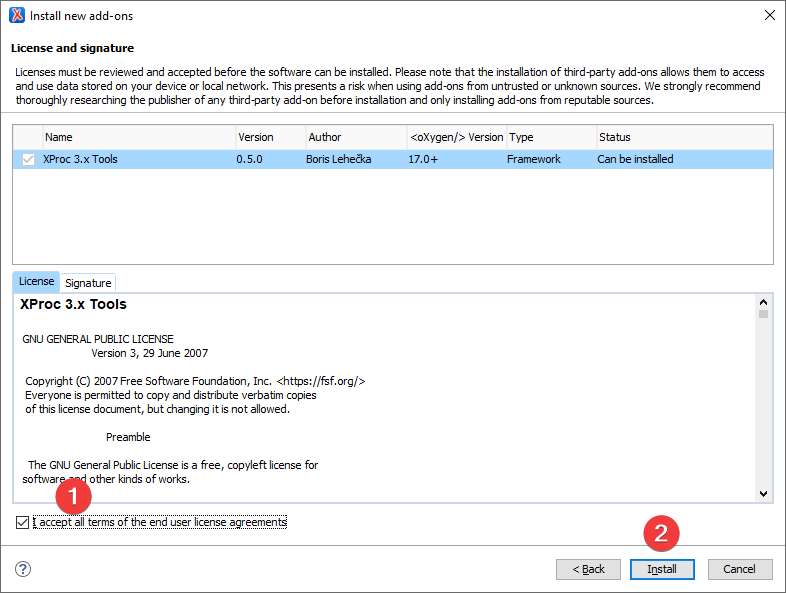
- Accept all terms of the end user license agreements (GNU 3) and click on
Installbutton.
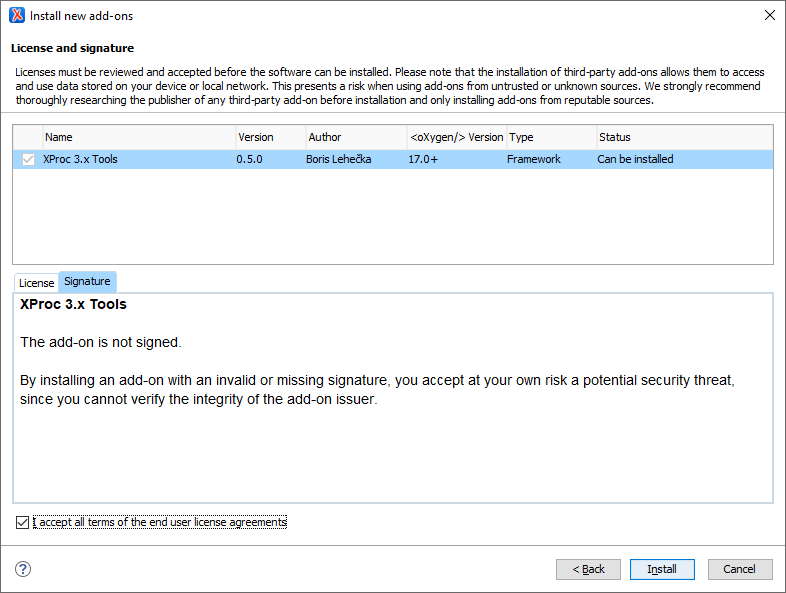
- Or you can switch to the
Signaturetab to see that the framework is not digitally signed.
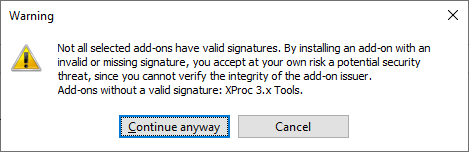
- Before the installation itself, accept the warning about no valid digital signatures.
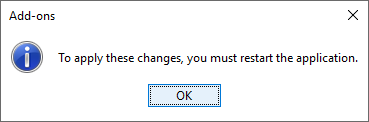
- The installation ends with the notification that restart of the oXygen XML Framework is required.
- After new start, you can find
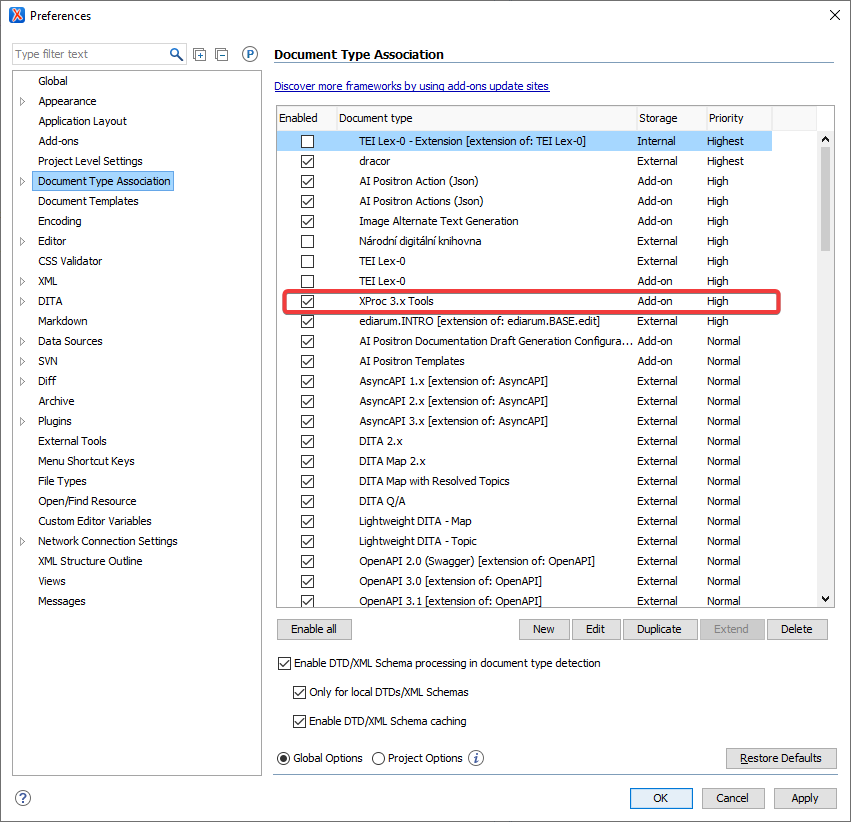
XProc 3.x Toolsframework in the list of installed Add-ons (Options>Prefences>Document Type Association)
Use
- open XProc 3.0 or 3.1 file
- on the
Transformation Scenariospanel click on the redPlaybutton